
Maricopa County Civil Docket Searches
The local Superior Court Docket is free to search and covers civil cases. Pick Civil Cases and type the full CV number when you have it. A name-only search can pull up many parties who look alike. Check the caption first. Then check filing date, role, case type, status, and judicial assignment before settling on a match. The docket gives you entries and minute entries. Not all images appear there. Justice Court disputes need the precinct first. Each Maricopa County Justice Court keeps its own civil, small-claims, and eviction files. Statewide Public Access can point you toward a participating court. Updates come weekly. It is not the official record. When a lower-court case will not show up there, ask the precinct clerk directly.
- Determine whether the matter belongs in Superior Court or a Justice Court.
- Select Civil Cases in the local Docket for a Superior Court CV matter.
- Search by complete case number, or compare name-search results carefully.
- Read the complaint, service, responses, motions, minute entries, and newest setting.
- Use eAccess or request the filed or certified document from the proper clerk.
Maricopa County Civil Search Fields
Start a Maricopa County civil case lookup with the number when you have it. A format like CV2024-012345 tells you a lot at a glance. The letters CV mark the case as civil. The digits that follow give the filing year. The trailing sequence shows where the filing fell in line that year. Judges get reassigned now and then. An old division number makes a shaky search key. Party names work as a fallback. Try spelling variants, and lead with the first name to trim the list down. For the current judicial assignment, trust the case record itself, not the rumor mill.
| Control | Purpose | Reading tip |
|---|---|---|
| Civil Cases | Selects CV records | Justice Court files are separate |
| Case Number | Targets one file | Keep the CV prefix and full sequence |
| Party Name | Finds possible plaintiffs or defendants | Confirm role and filing year |
| Minute Entries | Shows court rulings and directions | Check for later changes |
| Court Calendar | Checks settings | Calendar data can change |
Arizona Public Access searches by case number or party name. Enter the verification word, then narrow by court, county, or case type. A no-result is not conclusive, since participation and category coverage vary.
Civil Dockets: What They Show
Open a Maricopa County civil docket and the header tells the story so far. You get the CV number and the filing date. The header also lists the case type, the caption, the current status, and the judge now assigned. Party blocks come next. Plaintiffs or petitioners sit on one side. Defendants or respondents sit on the other, with their attorneys listed as well. From there the docket runs as a chronology: the initial pleading that opened the case, service of the summons, any response, motions with their briefing, minute entries, conferences, and trial activity. The tail end covers dismissal or judgment, later enforcement steps, and any appeal.
| Case header | CV number, filed date, case type, status, caption, and assignment |
|---|---|
| Parties | Plaintiff, defendant, other roles, and attorneys where public |
| Filings | Complaint, service, answer, motions, responses, replies, and notices |
| Court action | Minute entries, orders, conferences, arbitration, hearings, and trial |
| Outcome | Dismissal, judgment, costs, enforcement, and appeal activity |
The Superior Court Civil Department lays out the local programs behind many of these civil docket entries.
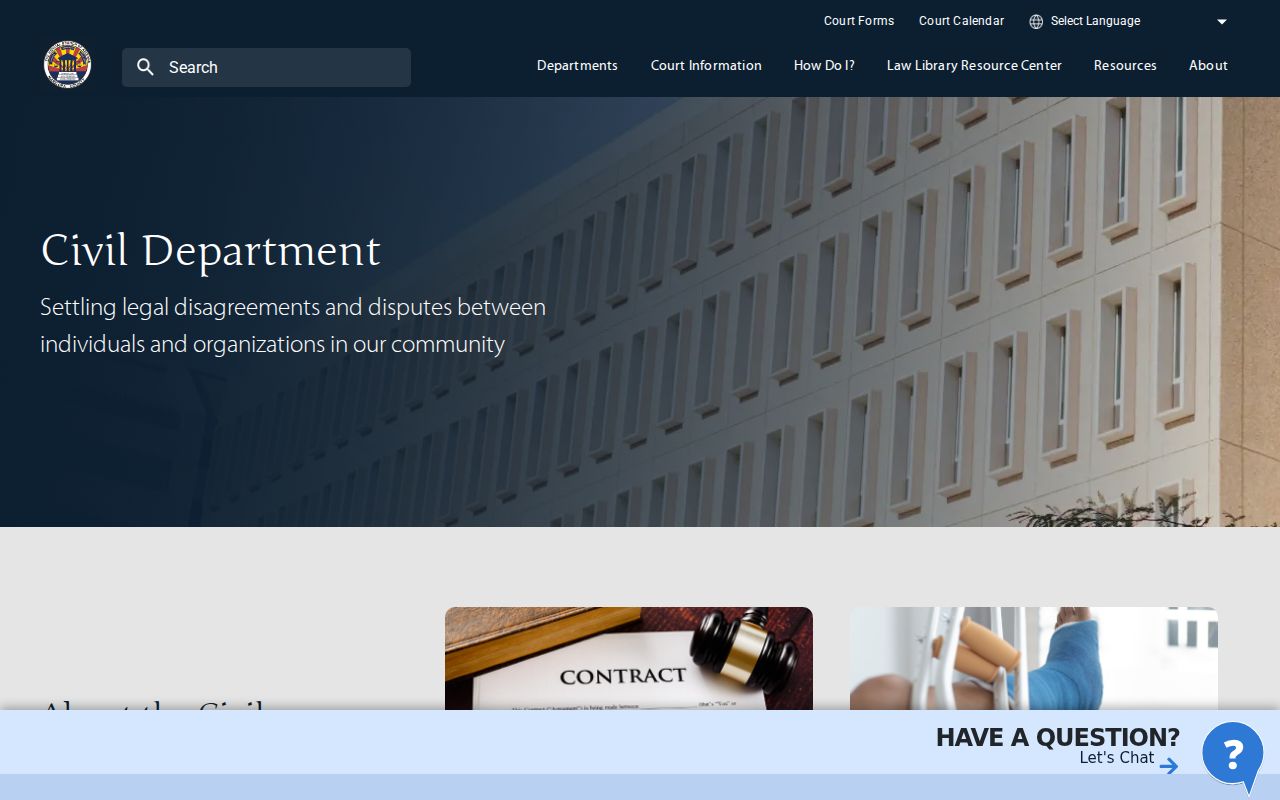
The Superior Court's civil department page lays out the local court docket process for general civil matters. It stands apart from the public case-search tool that pulls up individual records.
iCIS Assigns Maricopa County Civil Cases
Maricopa County runs its civil docket on a case-management system called iCIS. Every new civil case gets a CV number. A judicial calendar follows through an automated rotation built on the number's last three digits. That method makes the full case number the steadiest search key you have. It also explains a puzzle. An early calendar reference may no longer match the current case view.
Reassignments and consolidations show up later as docket or minute entries. Read the newest one. The case number stays constant while the judge or calendar can shift under it.
Searching by judge alone is fragile for the same reason. Civil calendars rotate. A conflict can force a reassignment, and consolidation can hand related files to one judicial officer. So start with the CV number. Then check the current docket header to learn the division. When an older notice names someone else, find the minute entry that records the change. That way the former assignment and the present one both make sense. Neither looks like a search error.
Note: Search the CV number first. Then confirm the current judicial assignment from the latest Maricopa County civil docket entry.
What Cases Fill the Civil Docket
Superior Court CV cases cover general civil matters that sit beyond the Justice Courts' limits. The Civil Department also handles Commercial Court work, arbitration, tax matters, and appeals from lower courts. Family, probate, and juvenile files use their own case categories rather than CV, even though the Clerk of the Superior Court keeps those general-jurisdiction court records too.
- General contract, tort, and property disputes filed as CV matters
- Commercial Court cases and court-connected arbitration activity
- Tax matters and other assigned Superior Court civil proceedings
- Justice Court regular civil claims within the stated jurisdictional cap
- Small claims, evictions, and lower-court civil appeals
Municipal Courts are not general civil courts. City courts do hear civil traffic and code matters, though. For those court records, search with the city court itself rather than forcing them into the Superior Court CV portal.
Maricopa County Civil Motions and Entries
A complaint only makes allegations. It proves nothing. Once it is served, the other side can answer the claim or file a Rule 12 motion instead, and the Maricopa County civil docket will log each move. Motion practice tends to run in sets. You will see a motion, a response, a reply, and a ruling. Read all four entries together before you draw any conclusion about the case. One more caution: a proposed or lodged order on the docket is not yet signed, so treat it as a draft rather than a ruling the judge made.
- Motion
- A party’s formal request for a court ruling.
- Response
- The opposing side’s filed answer to the motion.
- Reply
- A permitted filing addressing the response.
- Minute entry
- The court’s written record of a ruling, direction, or proceeding.
- Vacated
- Canceled; a vacated setting should not be treated as upcoming.
For sequence, the docket label itself tells the story. When the exact wording of a filing matters, pull the document itself from eAccess or from the Clerk.
Maricopa County Justice Court Civil Files
Maricopa County Justice Courts handle three kinds of civil cases: regular claims up to $10,000, small claims up to $3,500, and evictions. Those files live at the precinct court. They only reach Superior Court if someone appeals. The official Justice Court filing page spells out venue rules and how each case type gets routed, which matters when you are tracing a lower-value civil docket to the right precinct.
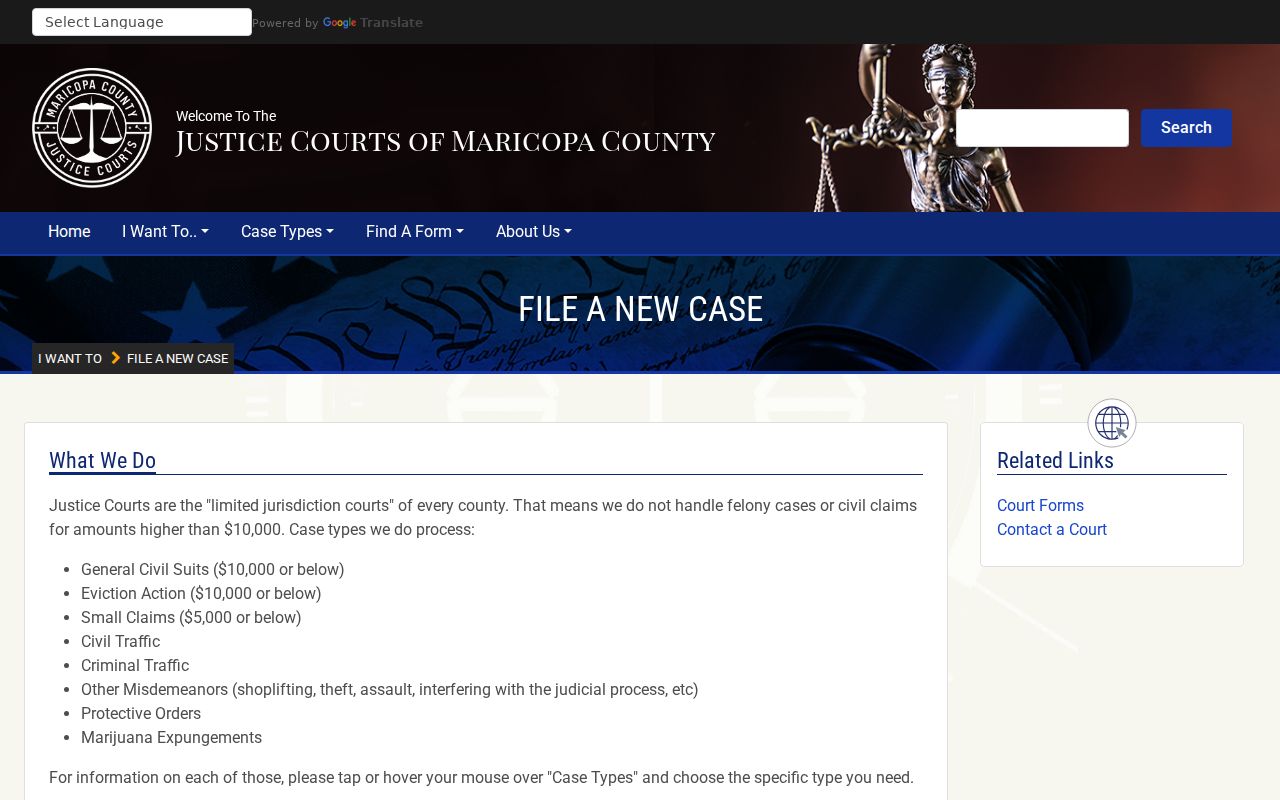
That routing page shows why the precinct matters in any Maricopa County docket search. It is where the case actually sits, not a mere administrative detail.
| File | Custodian | Search consequence |
|---|---|---|
| Superior Court CV | Clerk of the Superior Court in Maricopa County | Use local Docket, eAccess, or Clerk |
| Justice Court civil | Originating precinct clerk | Use precinct channels or statewide discovery |
| Lower-court appeal | Original court plus Superior Court appeal file | Read both records |
Hearings on the Civil Docket
A Maricopa County civil docket can list many kinds of settings. Status and scheduling conferences come first. Oral argument, evidentiary hearings, settlement conferences, and arbitration follow. Trial-management conferences, bench trials, and jury trials round out the list. Read the most recent docket or minute entry alongside the court calendar itself. A continuance keeps the old event in the chronology. A later entry gives the replacement date.
A scheduling or management order can set deadlines without creating a courtroom event for each one. Vacated settings are tricky. Do not assume a new date exists. Look for a later order. Then confirm appearance details with the assigned Civil division through the Judicial Officer directory. For broader context, the Arizona Judicial Branch publishes Superior Court trend charts that place Maricopa civil workload in statewide perspective.
Trend charts are useful for patterns, not answers. A specific hearing still must be confirmed in the case record and with the assigned court.
Maricopa County Civil Post-Judgment Trail
A judgment does not always end a Maricopa County civil docket. Fees and costs may follow. So can an abstract, a writ, enforcement activity, satisfaction, or an appeal. An abstract memorializes a judgment for a later legal use. A writ is court process that enforces or carries out a judgment. Each is its own event. None of them is a new finding on the original claim.
Dismissal wording matters too. A dismissal with prejudice generally bars refiling the same claim. A dismissal without prejudice can leave the door open under the applicable rules. A voluntary dismissal, default judgment, summary judgment, stipulated judgment, arbitration award, and judgment after trial each mark a route to the end of a case. The routes differ.
A notice of appeal changes the trail. Use the appellate number to follow the case into Division One. A lower-court appeal first creates a Superior Court file. The precinct keeps the original record.
Who Can See Civil Dockets
Open Maricopa County civil docket information is available through the local Docket and a Clerk public terminal. Statewide Public Access adds it where the court and category participate. Arizona eAccess sells Superior Court civil documents filed from July 2010 forward. Registration and per-document charges apply. Older material, missing images, official copies, and certified judgments require the Clerk’s counter, an online records request, or archive retrieval. For a live setting question, call the assigned Civil division phone.
Remote access is narrower than the public file in some cases. Sealed and confidential material stays closed. Protected personal information gets filtered. Probate, mental-health, and some family or juvenile categories follow separate limits. Do not treat them as ordinary CV results.
A public register can still acknowledge that a restricted filing exists. It withholds the title or image. That limited entry preserves the chronology without exposing protected content. Ask about authorized access rather than assuming the document was never filed.
Access rules:
Arizona Supreme Court Rule 123 establishes access to judicial records and permits restrictions for privacy, security, or confidentiality.
ACJA §§ 1-604, 1-605, and 3-403 address remote access, bulk data, and protected personal information.
The docket is only the index. For the signed judgment or a full filing, use eAccess or the custodian. The contextual Maricopa County docket search steps can help you locate the case before making a scoped request.