
Traffic Case Records in Maricopa County
Traffic cases in Maricopa County are split among many courts. Justice Courts handle civil and criminal traffic matters from the precinct where the violation happened. Municipal Courts in Phoenix, Mesa, Chandler, Gilbert, Glendale, and other cities take citations written by city police. City-code and parking matters land there too. The Superior Court of Arizona in Maricopa County is not the usual first stop. An ordinary citation rarely starts there.
The issuing court's own case record is the main source. It can show the citation, the charge, a plea or response, hearing dates, the disposition, and financial orders. The court printed on the paper controls the docket lookup. It also sets the deadline and the request channel. One caution is worth noting. A city payment screen may list only what can be paid online. The full court file holds many more events. The official Maricopa County Justice Court traffic page lays out the county-level court process for these cases.
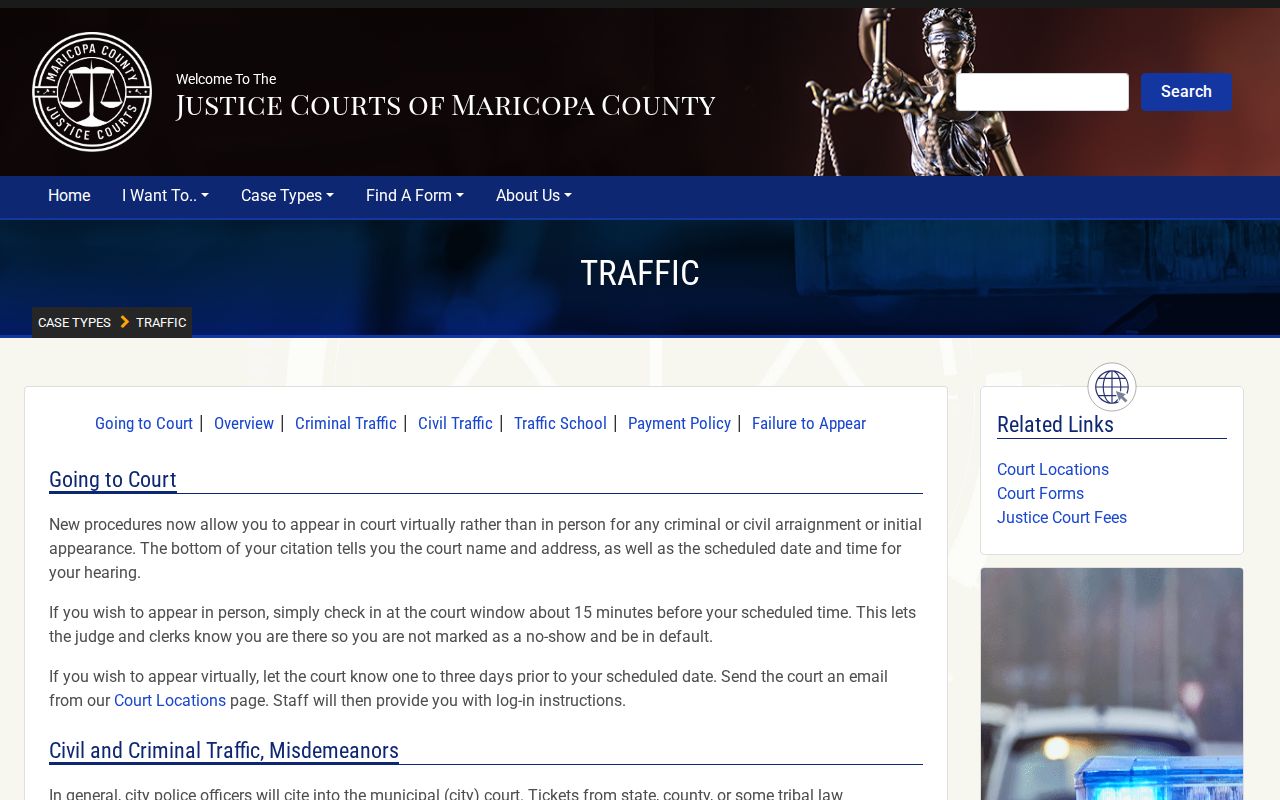
That route fits only when the citation names a Maricopa County Justice Court. A city court citation stays with that city court.
Maricopa Citation Court Comes First
Read the citation before opening any portal. Look for the court name, the citation or complaint number, the appearance date, the charge, and the issuing agency. Those fields decide which system can return the record. Searching the county Superior Court docket for a city ticket wastes time and can produce a false no-result.
- County law enforcement
- The Justice Court precinct for the violation location usually keeps the file. Begin with the named precinct or Arizona Public Access.
- City police
- That city's Municipal Court usually keeps the citation. Begin with the city case, ticket, or court-date tool.
- Case on appeal
- The originating file and Superior Court appeal record remain distinct. Keep both court numbers separate.
Arizona Public Access can widen a search across participating courts. But it updates weekly and leaves out local-ordinance charges. Treat it as a fallback, not proof that a new ticket or city matter is absent.
Maricopa County Traffic Ticket Lookups
Use every channel the named court offers. Start with its official citation or case lookup. A payment screen with no match still leaves the separate case or calendar tool to try. Then turn to statewide Public Access where the court and case category participate. A phone call, clerk counter, or Rule 123 records request stays the direct fallback. New citations may need time to reach a portal.
- Copy the court name, citation number, and appearance date from the ticket.
- Open that court's official case, ticket, or calendar search.
- Enter the identifier exactly, including letters unless the court gives another format.
- Check Arizona Public Access if the local court participates and the category is displayed.
- Call or visit the named clerk when a deadline is near or no online result appears.
A payment portal is not a full docket. It tends to show only charges the court permits to be paid online. For hearing history and disposition, the case or clerk record remains the source.
Maricopa Traffic Search Fields
Search fields differ by city. Phoenix lets you search by contract, citation, person, or case number for online-payable obligations. Mesa offers name, case, complaint, parking notice, and report-number paths. Chandler's linked payment tool takes a citation or case number. Arizona Public Access begins with a verification word. Case-number and party search then open, plus court filters.
| Portal | Search fields | Format or limit |
|---|---|---|
| Arizona Public Access | Verification, case number or party, court filters | Weekly data; local ordinance matters excluded |
| Phoenix obligations | Contract, citation, person, or case number | Online-payable obligations only |
| Mesa eCourt | Name, case, complaint, parking notice, report number | Some searches require an offense date |
| Chandler payment | Citation or case number | A letter may matter; a new citation may take five days |
Keep leading zeros unless the portal says otherwise. Chandler suggests retrying without the leading zero if the first attempt fails. Phoenix uses the root citation number and strips certain suffixes, while Mesa asks users to retain a leading zero in complaint and parking searches.
Traffic Court Dates in Maricopa County
The appearance date printed on the citation is a response deadline. It does not always mean a courtroom visit that day. Instructions from the cited court control what happens next. You may need to request a hearing on the matter. Some matters can be resolved outright. Others need a plea or an appearance. Phoenix, for instance, states that initial civil-traffic and parking appearances are not held in person.
| Court | The Justice Court precinct or Municipal Court printed on the citation. |
|---|---|
| Identifier | The citation, complaint, or case number, such as citation-letter-number. |
| Appearance Date | The deadline on the citation for responding through a court-approved path. |
| Setting | A hearing, pretrial, trial, or other court event after it is requested or ordered. |
| Status | Pending, resolved, disposed, or another term shown by the court record. |
For date work across the county, the Maricopa County court schedule explains how settings and resets appear. A city citation date still must be confirmed with that Municipal Court.
Before a Maricopa Traffic Date
Do not wait on a portal match when the response date is close. Contact the named court. Ask whether the citation has been filed, what response choices are open, and whether a hearing must be requested. Keep proof of any online or mailed submission. Timing varies from court to court. A new Chandler citation may take up to five days to appear. Mesa warns that search results can lag. Arizona Public Access is updated weekly. Those different clocks explain why a blank screen does not erase the response date on the citation.
Key step: Treat the printed appearance date as controlling until the cited court confirms a different deadline or setting.
Paying a Ticket vs Fighting It
Before the appearance date, pick an option the cited court actually offers. An eligible civil charge may allow payment, a hearing request, or a timely defensive-driving election. Criminal traffic differs. Noneligible matters and criminal charges must go through the court process. Paying resolves the eligible charge on the court's terms. Requesting a hearing preserves the chance to contest it.
| Choice | What it does | What to verify |
|---|---|---|
| Pay or resolve | Accepts an eligible court resolution and records the financial action | Amount, due date, payment channel, and whether all charges display |
| Request a hearing | Asks the court to set the charge for review or contest | Request method, deadline, and later court date |
| Defensive driving | May dismiss one eligible moving violation after timely election and completion | Eligibility, program deadline, and current court and state fees |
The official Phoenix Municipal Court payment page shows one city's channels and limits.
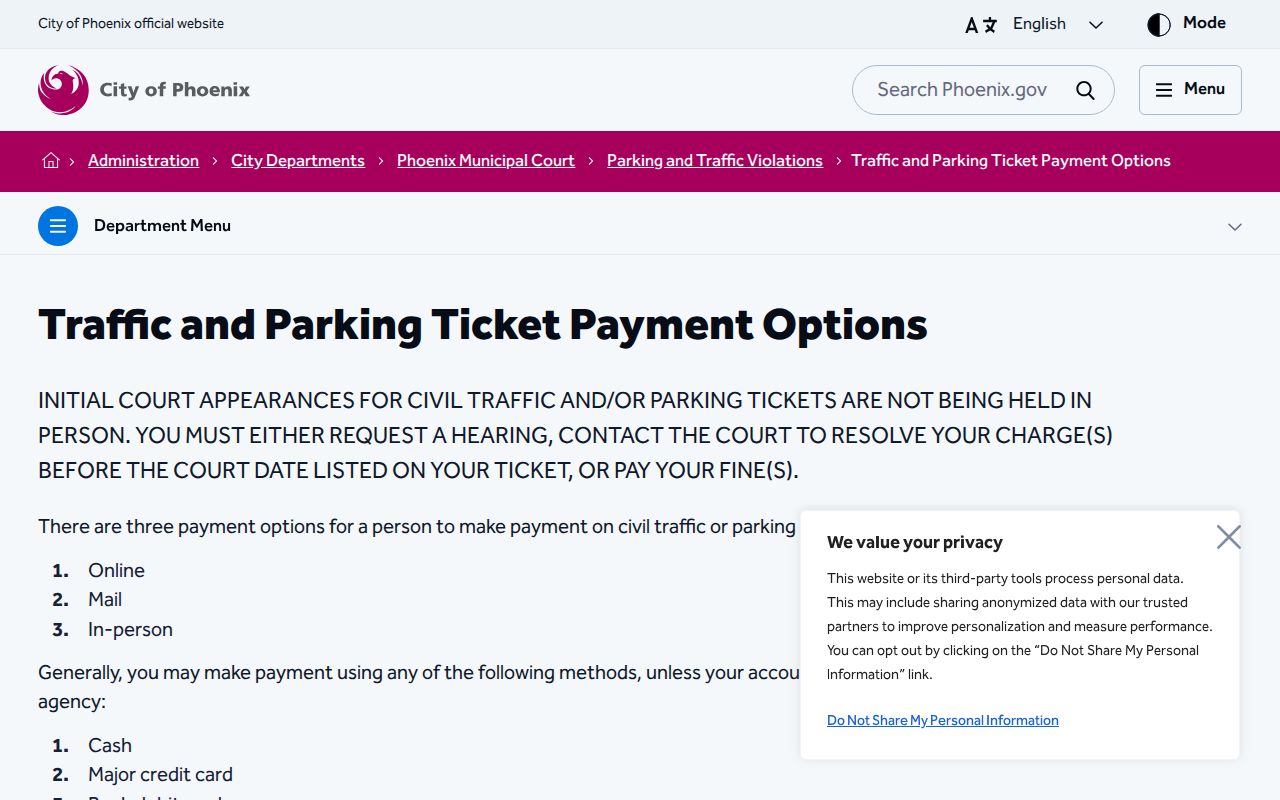
Phoenix choices do not set the rules for a Justice Court or another city. Follow the court printed on the citation.
Failure to respond: A civil matter may end in default judgment and added fees or collections. A criminal matter may lead to a warrant. Contact the court at once.
Maricopa Traffic Court Filing Paths
Electronic filing and payment are separate functions. A ticket payment screen cannot accept every court paper. In the same way, eFileAZ and local filing systems do not replace the public case lookup. Each court decides which filings may go online and which must travel another approved path. The official Arizona eFiling information page describes the statewide filing layer.
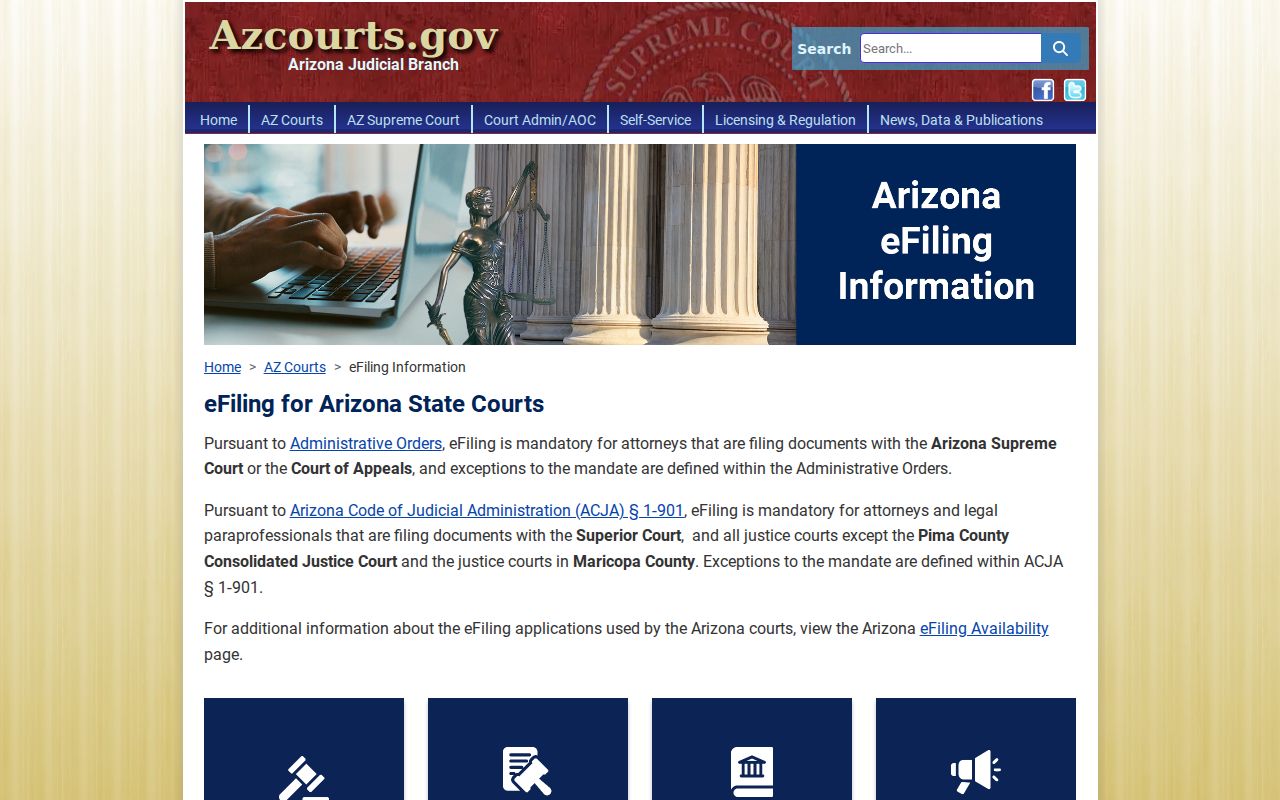
Skip this state service for a ticket lookup. Go to the record tool run by the court named on your citation instead. That tool shows the citation. It tells you how to file a response. Arizona also posts a county-by-county matrix. The Maricopa eFiling availability page maps where the statewide system and local systems part ways.
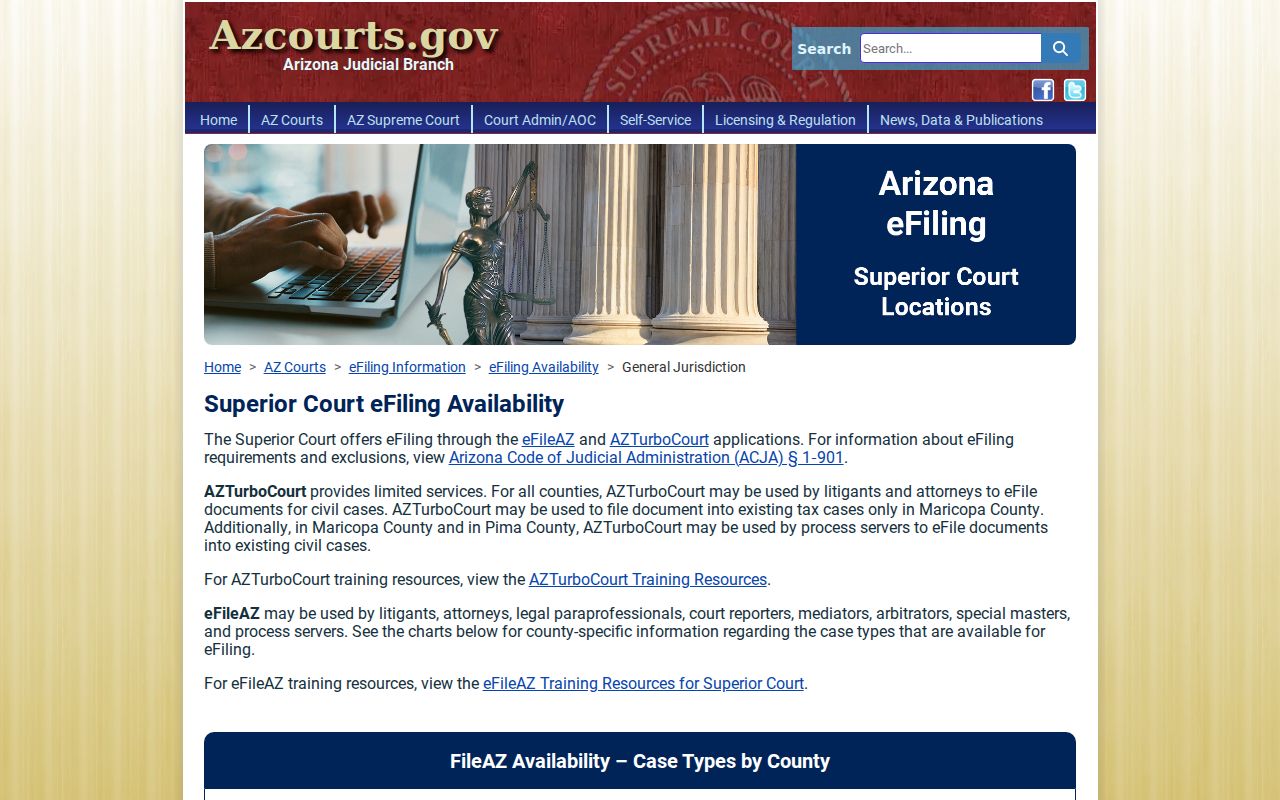
One practical rule runs through the matrix: lookup, payment, filing, and record-copy systems each do their own job.
Two Records: Court File and Driver File
Two separate records exist here. The court file lives at the Municipal or Justice Court. It holds the citation, the charge, your plea or response, hearings, disposition, and any financial orders. The Arizona Motor Vehicle Division keeps a different licensing record. It is built from outcomes the courts report. Need a court date or disposition? Call the court. Need the licensing record? Use MVD.
The two files have different keepers and different update schedules. Phoenix says it sends updates to MVD daily. Processing can take up to 72 hours, though. That lag does not alter what the court file itself shows. So keep the sources apart when you check whether the court has resolved a citation.
Note: A payment-only result is not the full court case record. The licensing file never substitutes for the court docket.
Maricopa Civil and Criminal Traffic
Civil traffic follows civil procedures. Skip the timely response and you risk a default judgment. Criminal traffic is different. It demands a plea and full court process. Missing a hearing date can trigger a warrant. The citation and the court's own instructions tell you which category you are in. And never assume every charge comes with an online payment option.
- Civil traffic
- A noncriminal traffic allegation handled through payment, hearing, default, or another court-approved resolution.
- Criminal traffic
- A criminal allegation that requires the plea and appearance steps set by the court.
- Disposition
- The recorded outcome of the court case.
- Default judgment
- A civil judgment entered after a required response was not made.
One citation can carry several charges. Each charge may follow its own response rule. Read the whole court notice carefully, and ask the clerk about anything missing from the payment screen.
Traffic Record Copy Fees
Copy and certification fees sit with each limited-jurisdiction court. The Superior Court Clerk's fee schedule does not govern every Justice or Municipal file. Ask the cited court directly about its current sanction schedule, copy charge, certification cost, and delivery choices.
| Item | Amount or source |
|---|---|
| Fine or sanction | Current schedule of the cited court and charge |
| Time-payment extension fee | $20 when A.R.S. section 12-116 applies |
| Plain court record copy | Current fee from the Municipal or Justice Court custodian |
| Certified court copy | Current certification fee from that same court |
| Online payment service fee | Shown before payment where a vendor is used |
Building a record request takes three things. Give the citation or case number, name the document or disposition you want, and say whether you need certification. Rule 123 governs access to Arizona judicial records, but the court holding the file is the one that fills the request.
Maricopa Traffic Record Fallbacks
The full access chain is short. Read the citation, run the official court lookup, try statewide Public Access where it applies, then call or visit the named court and request its record under Rule 123. Every step keeps your request with the right office.
An appeal changes the picture slightly. The originating limited-jurisdiction file stays put at that court, while Superior Court builds its own appeal record, so search both case numbers when the procedural history matters. For an ordinary open ticket, though, start with the court named on the citation and stay there until its clerk sends you elsewhere.